Prepare the SD card without touching a terminal
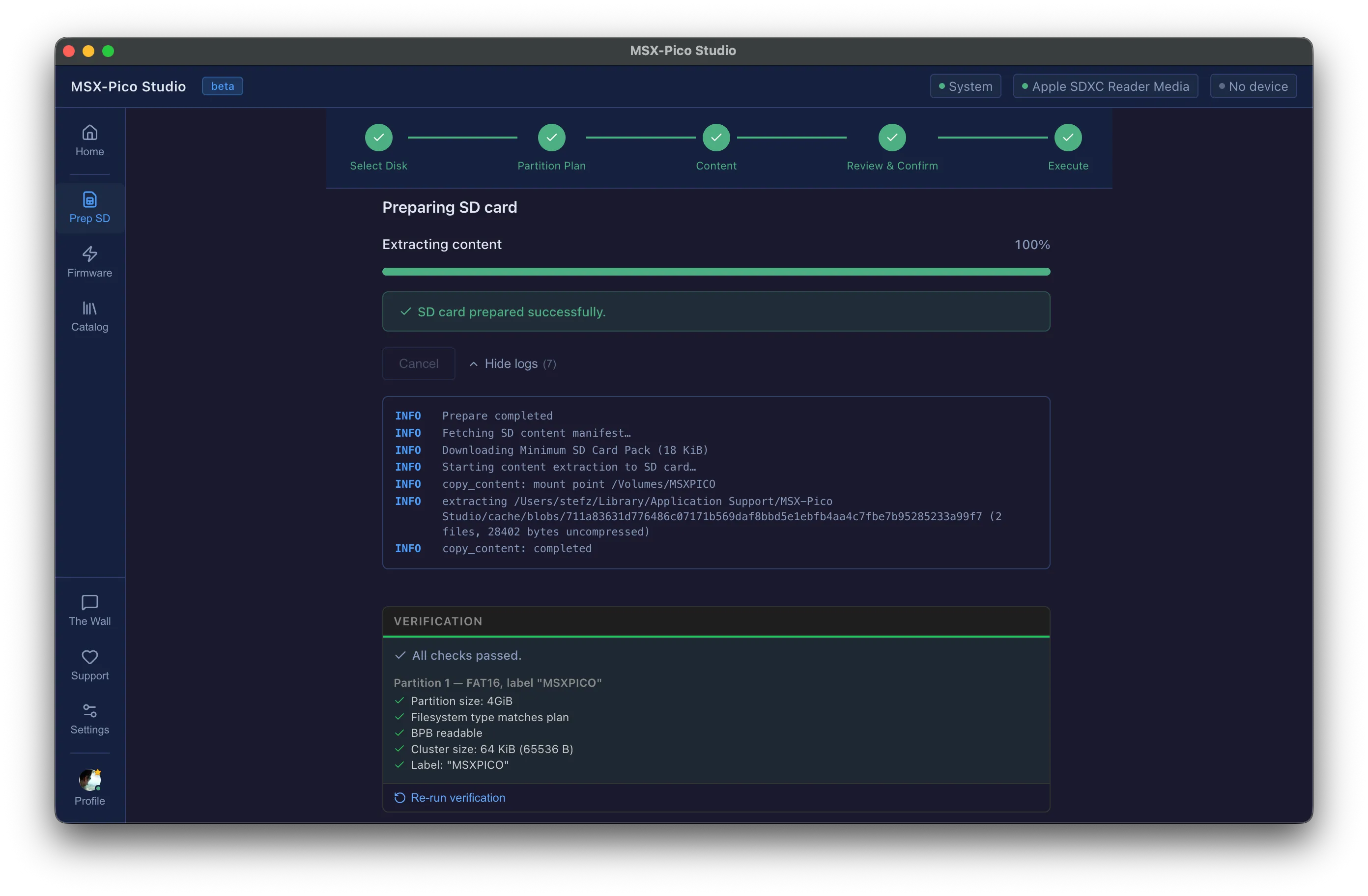
Pick the card, pick the plan, confirm. Studio partitions and formats it with the right filesystem and cluster size, copies the default content, and then verifies the result — partition size, filesystem type, cluster size, label — and tells you what it checked. Nothing is written before you have read a plain-language summary and typed a confirmation.